
What Does an Online Training Session Look Like?
Training sessions are typically conducted online with a live instructor. The instructor explains the topics while you work together on practical exercises assigned during the session. You will receive the exercise files by email before the training begins, and of course, you may keep them afterward for future practice and revision. During the training, the instructor also uses notes within Microsoft Teams, which remain accessible throughout the course and even after it has finished.
This setup allows you to organize your screen so that you can simultaneously follow the instructor and work on the exercises, almost as if you were physically attending the training in person.
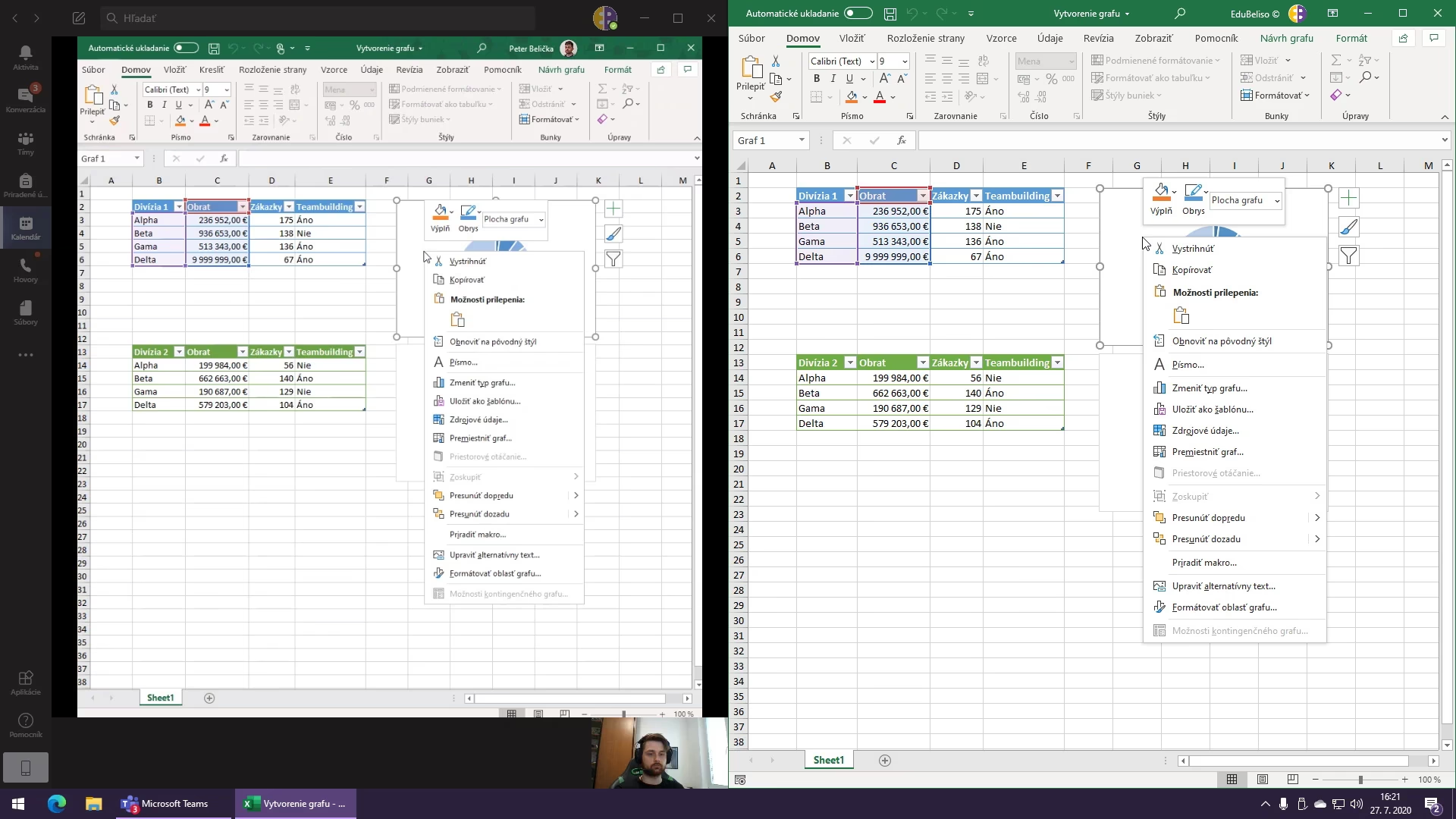
Example of a possible screen layout: on the left – the instructor’s Microsoft Teams screen, on the right – an Excel example file.
The instructor can also monitor your work through screen sharing, ensuring that everything you see can also be fully practiced by yourself.
How Long Does the Training Last?
Training sessions usually last one or two days. The exact duration is specified in the “Course Information” section within the course description.
The instructor can also monitor your work through screen sharing, ensuring that everything you see can also be fully practiced by yourself.
Both weekday and weekend training sessions follow a similar schedule. For multi-day training, the timetable is repeated on each day:
| 8:30 | Joining the Training Session |
| 9:00 | Start of the Training Session |
| 12:00 | Lunch Break |
| 13:00 | Continuation of the Training Session |
| 15:00 | Conclusion and Discussion |
In total, one-day training sessions last 5 hours, while two-day training sessions last 10 hours. Of course, short breaks for refreshments and restroom use will also be included during the training.
If you have any questions, please do not hesitate to contact us.

